




Force Password Change

SmartERP Cloud Platform

Proceed

Force Password Change

SmartERP Cloud Platform

Save
Password Guidelines
* Password should be of minimum 8 characters in length.
* Password is required to have atleast one special character.
* Password should be a combination of both numbers & characters.
* Password should be a combination of both upper case and lower case characters.
* Password should not contain User name or User Id.

Input Your Authenticator Code

SmartERP Cloud Platform

Input Your OTP

SmartERP Cloud Platform

Subscription

SmartERP Cloud Platform

Forgot Password ?

Enter your email to reset your password.

Cancel

Forget User Id ?

Enter your email id below to get your userid.
Cancel
Logo

Business, the right way!!

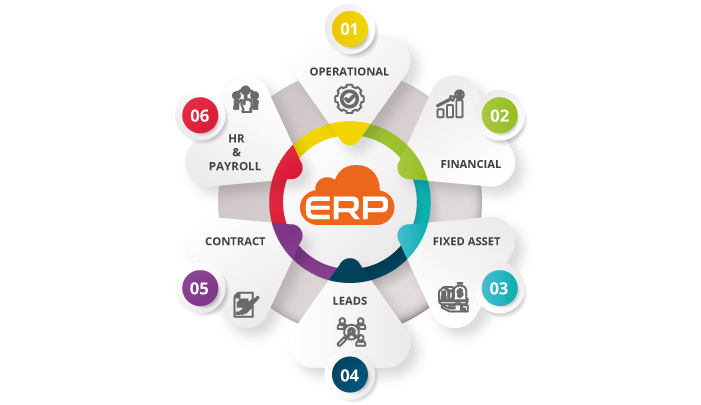
SmartERP Platform is a cloud-based business platform that can be adopted by any business for digitizing their business operation & finance.
It is designed with the principles of computer science to make it more user-friendly and easy to use.